
Your agents can show their work now
Gobii inline artifacts show agent outputs like charts, search results, CSV exports, and tool activity directly inside the conversation.
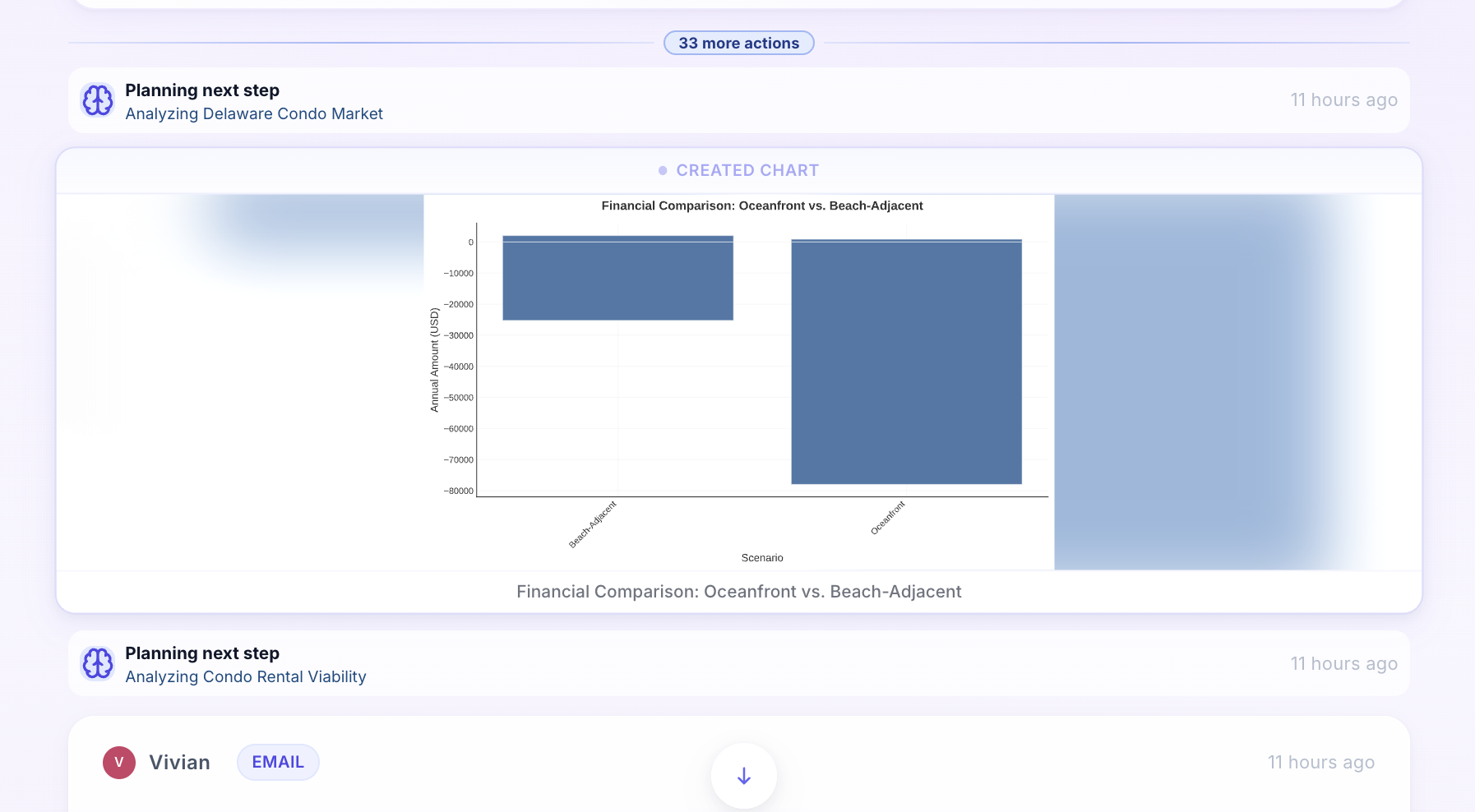
AI feels a lot more useful when you can actually see what it’s doing.
With Gobii’s new inline work artifacts, agents can now render the outputs of their work directly inside the conversation — including charts, search results, CSV exports, tool activity, and more.
It pairs especially well with Gobii's data visualization for AI agent reports and the real-time agent work streaming that makes long-running tasks easier to follow.
Why Inline Artifacts Matter
Instead of a black-box answer, you get a visible trail of how the result was produced. That means more trust, easier debugging, and a much better collaboration loop between the user and the agent.
Example
Ask your agent to analyze a dataset and you can now watch it render the chart, show the search results it pulled in, and attach the CSV export — all inline, right where the work is happening.
This makes agent output more transparent, more visual, and easier to act on. You’re not just receiving a conclusion — you’re seeing the evidence and artifacts behind it.