
More control over your AI agent workspace
Gobii adds workspace search, multiple schedules, native webhooks, and 8 optional pets so persistent AI agents are easier to find, schedule, and trigger.
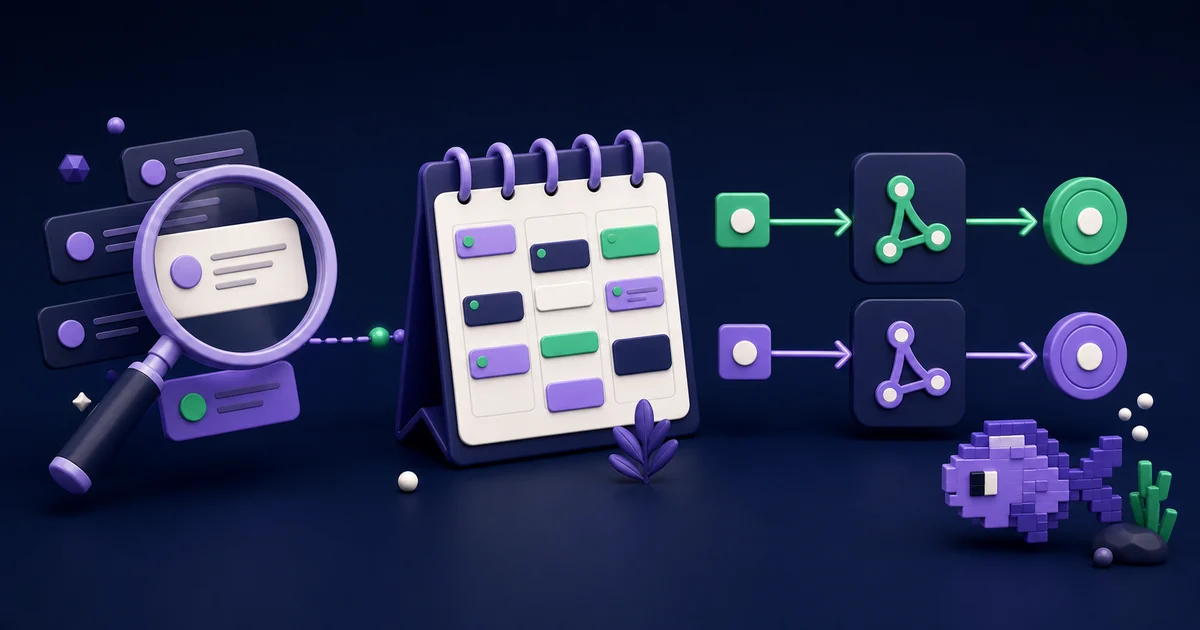
Persistent AI assistants should become easier to direct as their histories grow, not harder. This Gobii release improves the day-to-day controls around long-running tasks: retrieve an old result, assign several routines to one assistant, connect outside events, and add a little personality.
Gobii now provides message search across the workspace, several schedules per agent, native inbound and outbound webhook management, and optional Gobii Pets. Every update is available in the product today.
Key Takeaways
- Find the exact earlier message.
- Press
Cmd+ForCtrl+F, then filter by agent, image, or file.- Keep recurring and one-time schedules on the same assistant, with independent instructions, timezones, and enabled states.
- Configure inbound endpoints that receive outside events and outbound hooks that deliver structured results without leaving the relevant conversation.
- More than 10% of Codex users manage three or more agents concurrently during a typical week (OpenAI, 2026).
What Changed in the Gobii Workspace?
The release adds control at three moments in a long-running workflow. Search retrieves completed output. Multiple schedules set future timing. Native webhooks carry signals between Gobii and other systems. Pets serve a different purpose, offering a small personal touch in an interface people may visit every day.
These capabilities extend the persistent model behind agent memory and visible agent work, where a continuing history already helps the assistant follow a task over time. Retained context becomes useful. The new controls help you recover that history, set its cadence, and trigger the next action.
Persistence creates value and administrative burden at the same time. As conversations, routines, and integrations accumulate, people need stronger retrieval, clearer timing, and visible event paths without changing how they talk to their agents.
Workspace Search Finds the Exact Message
In a 2026 workplace survey, 56% of employees said they verify AI output, spending an average of two hours each week on that review (TeamViewer, 2026). That review starts with retrieval. Search removes the friction of locating an earlier result, source, file, or instruction before you inspect it.
Press Cmd+F on macOS or Ctrl+F on Windows. Results cover all Gobii conversations, not only the one on screen. Narrow the query with agent:, use has:image or has:file for attachments, then select a match to jump back to the original message.
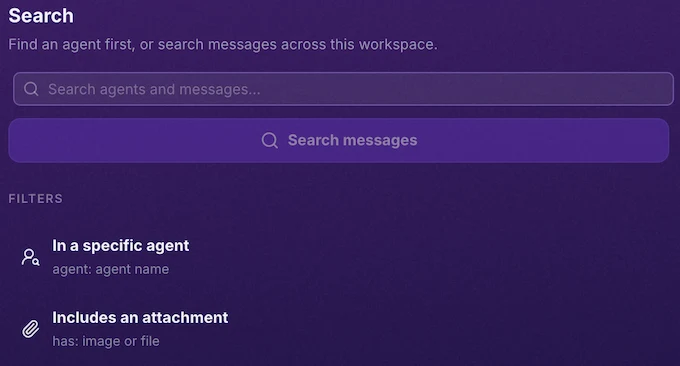
Old context is useful only when you can recover it. After weeks of activity, you may remember a conclusion but not the exchange that produced it, and search turns the timeline into a usable record instead of an archive that demands manual scanning.
Multiple Schedules Give One Agent Several Routines
More than 10% of Codex users manage at least three concurrent agents during a typical week (OpenAI, 2026). The study covers Codex, not Gobii. Even so, the finding highlights a broader need: parallel activity requires explicit timing controls.
A Gobii agent can now keep several named schedules, each with its own instruction, timing, timezone, and enabled state. For example, you can run a weekday account scan on a recurring cadence and add one timed follow-up before a meeting, all without creating another agent or replacing the original routine.
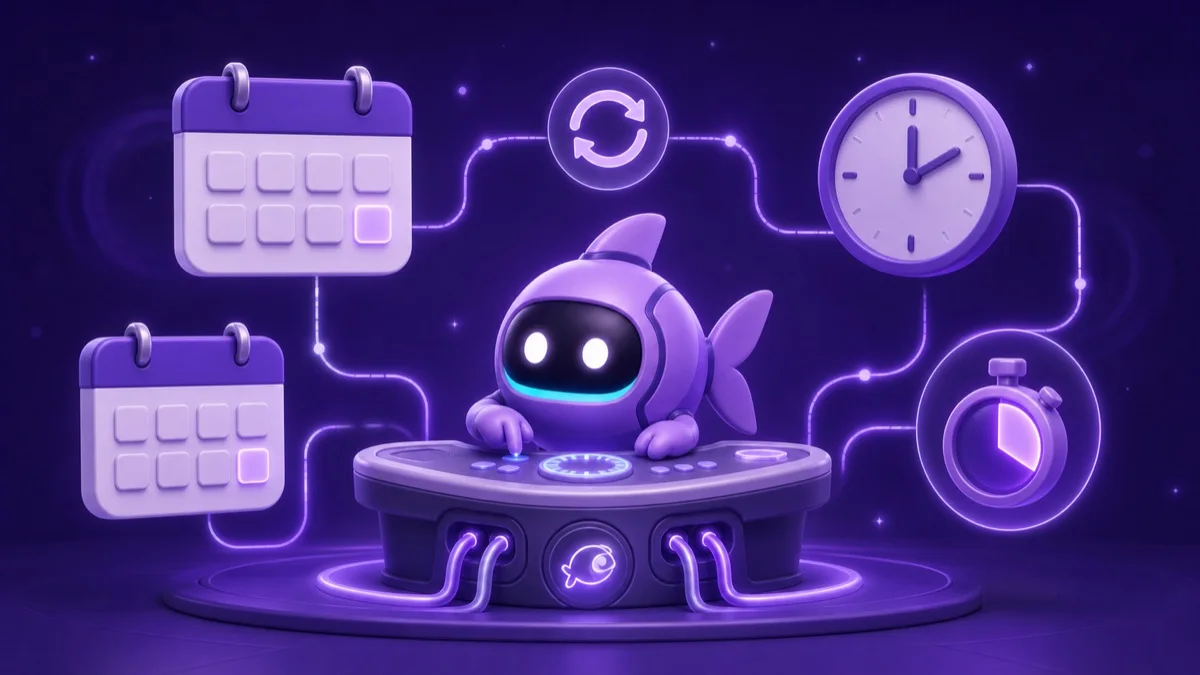
A research agent might collect competitor updates every Monday, prepare a monthly summary on the first business day, and run a one-time check before a planning meeting. One charter and history stay intact while every routine remains independently understandable and controllable.
Native Webhooks Connect Events in Both Directions
Native webhook management handles two directions inside the conversation. An inbound connection gives another system a secret endpoint that can wake an existing Gobii assistant with a new event; an outbound connection posts structured data to an approved HTTP destination during execution. Consider a CRM stage change. It can arrive through the inbound route, prompt account research under standing instructions, and return a structured result through the outbound route. Gobii preserves the original signal and subsequent activity in the timeline, giving operators a concrete path to inspect. When we design these event flows, we keep the incoming payload in that timeline and place durable behavior in the agent's instructions. Those separate records answer two different questions: what happened, and how was the response supposed to proceed? That proximity makes testing and troubleshooting concrete because configuration, delivery records, instructions, and the resulting response share one traceable sequence.
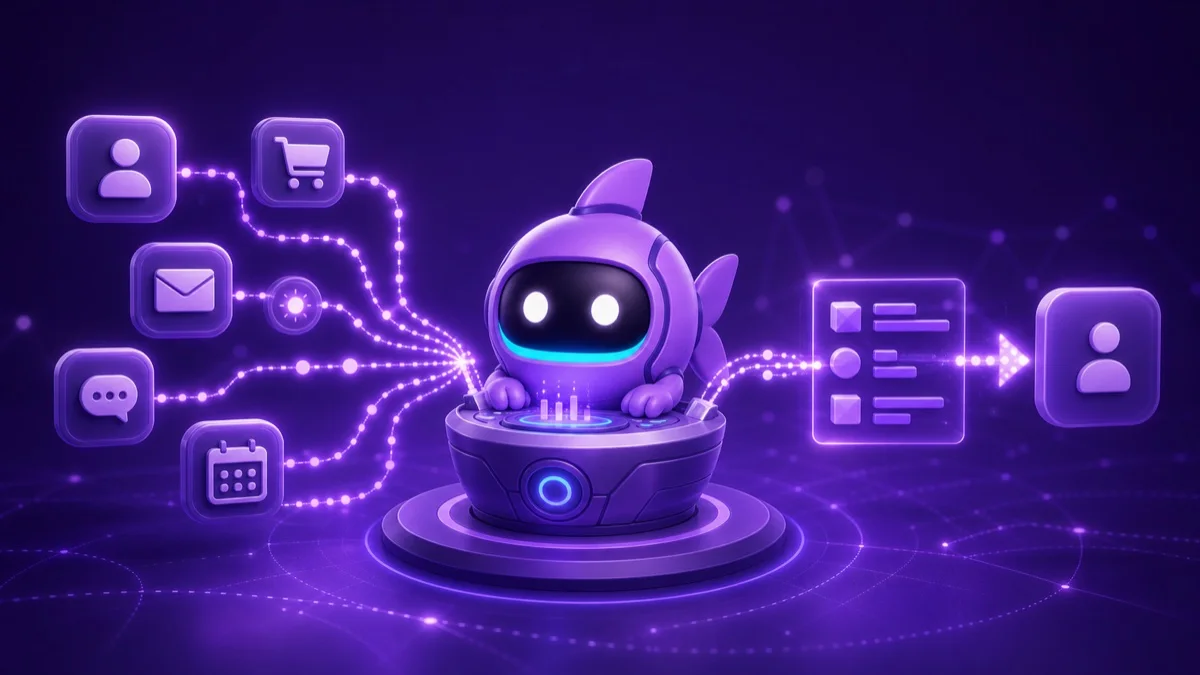
TeamViewer found that 70% of surveyed employees were comfortable with more AI autonomy when they could step in, while 33% specifically wanted visible activity logs (TeamViewer, 2026). Webhooks alone do not create oversight. A persistent timeline, clear instructions, and approval boundaries make event-driven activity easier to review.
For implementation details, see Inbound Webhooks, the Agent API guide, and our earlier guide to reactive agents with inbound webhooks, which covers payload design, secret handling, and safe first workflows.
Gobii Pets Add an Optional Bit of Personality
Gobii Pets are small companions that wander around the interface, with eight currently available: Gobii, Eevee, Grizzly, Smudge, Maggie, Clementine, Riby, and Chewie. They neither change agent behavior nor consume a schedule. Their only job is to make the screen feel a little more alive.
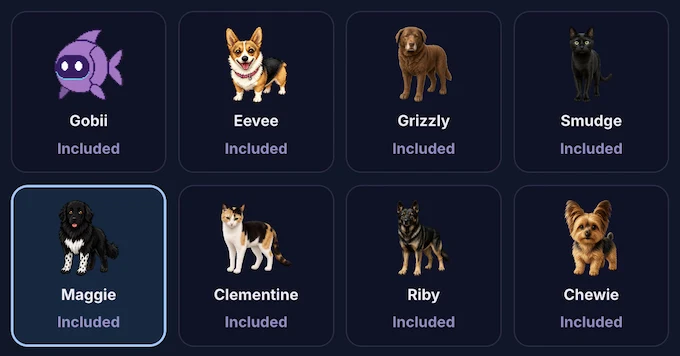
Right-click your pet to choose another companion or turn the feature off. That opt-out is deliberate because a playful detail should remain playful, especially beside focused tasks that may run for a long time.
Better Controls Make Persistent AI Work Easier to Run
Codex adoption accelerated sharply in early 2026. OpenAI found that active users grew more than fivefold during the first half of the year, while the share assigning tasks estimated to require more than eight human hours rose roughly tenfold (OpenAI, 2026). Those are Codex usage patterns, not Gobii benchmarks, but they show why reliable controls matter.
Longer-running assignments bring practical questions. Can you find an earlier decision, keep several cadences understandable, and let outside systems start activity or receive results through an inspectable path? Search, schedules, and webhooks answer those needs at the workspace level.
The product principle is control without ceremony. Search starts from the keyboard, schedules remain attached to their owner, and webhooks live where you already hold the conversation. Pets stay optional. Each capability keeps its controls close at hand.
Frequently Asked Questions
Can I search messages from every Gobii agent?
Yes. Press Cmd+F on macOS or Ctrl+F on Windows, then filter across conversations by agent, image, or file.
Can one Gobii agent have multiple schedules?
Yes. Each named schedule has separate instructions, timing, timezone, and enabled state, whether recurring or one-time.
What is the difference between inbound and outbound webhooks?
Inbound webhooks receive outside events, while outbound webhooks deliver structured results to approved HTTP endpoints.
Can I turn Gobii Pets off?
Yes. Right-click the pet to switch companions or disable the visual feature. It does not affect behavior, tools, schedules, or usage.
Sources
- The Shift to Agentic AI: Evidence from Codex, OpenAI. Retrieved July 28, 2026.
- 75% of employees use AI daily, but 61% want human oversight before autonomy, TeamViewer. Retrieved July 28, 2026.
- Inbound Webhooks, Gobii product docs. Retrieved July 28, 2026.
- Developer Agents and Agent API, Gobii developer docs. Retrieved July 28, 2026.
About the Author
Will Bonde works across Growth & Engineering at Gobii, where he helps shape the platform and how its browser-native agents serve customers. Meet Will and the rest of the Gobii team.