
We fixed the little things that were driving you crazy
Gobii improves agent chat with pasted files, clearer planning, unread indicators, in-chat configuration, and better completion alerts.
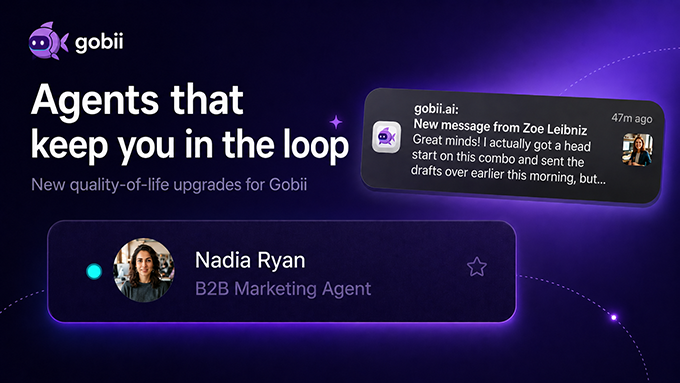
Interacting with your AI agents should feel as natural and transparent as working with a trusted human colleague. But friction often creeps in — whether it's the inability to easily share a quick screenshot, or losing track of exactly what an agent is planning to do next.
This release focuses on those small but important points of friction in the Gobii web interface.
Paste Files Directly Into Web Chat
You can now copy and paste screenshots, PDFs, or code snippets directly into the Gobii chat UI.
It sounds simple, but it saves time. Drop visual context into the conversation without hunting for an upload button or switching out of the chat flow.
Clearer Planning
The agent planning experience is now easier to follow. When an agent starts a multi-step task, you get clearer visibility into its action plan, which makes it easier to understand the path it is taking and course-correct when needed.
Smaller Improvements That Add Up
Unread indicators
See which agents have new messages so you can catch up faster.
In-chat configuration
Adjust agent settings without leaving the chat page.
In-tab completion alerts
Get a notification when an agent finishes a task while you have Gobii open.
These are not flashy features, but they make repeated agent work smoother. The goal is simple: fewer interruptions, clearer progress, and less time spent managing the interface.