






Your AI team, always on

Email them . Text them . They work 24/7.

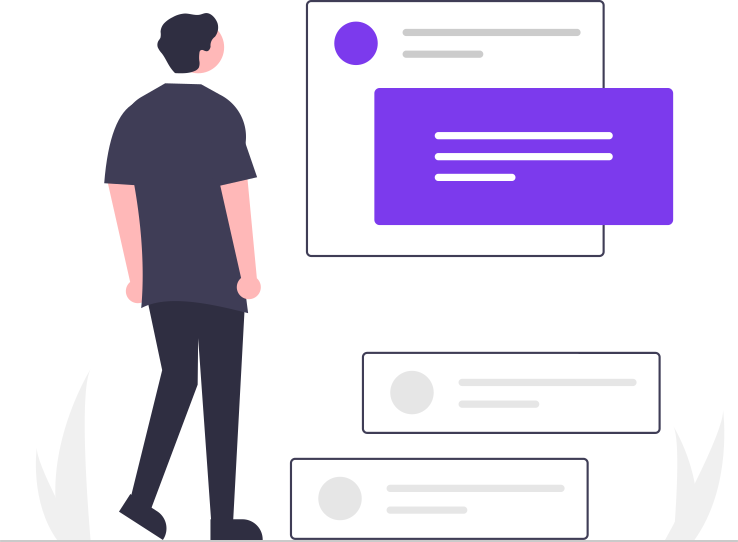
A person texting their AI agent
I want my Gobii to find 200 ideal customers and their emails.
How it works

From idea to results in minutes

1

Describe the work

Tell your agent what to do in plain English

2

Delegate like a coworker

Email, text, or chat — your agent has its own identity

3

Your agent goes to work

Browses the web, collects data, fills forms — 24/7

4

Real deliverables

Reports, CSVs, PDFs — emailed right to your inbox

5

Iterate together

Review, refine, and build on results like a real teammate

Virtual coworkers collaborating
Identity & communication

Virtual coworkers, not chatbots

Every agent has a name, an email address, and a phone number. Send instructions, ask questions, forward attachments — just like you would with a human teammate. They remember everything and are always on.

Email SMS Chat 24/7
Browser automation

Every agent has its own computer

A real browser, real web sessions. Your agents navigate sites, log in, fill forms, click buttons, and extract data — exactly like a human sitting at a desk. Except they never sleep.

Real browser Any website Click, type, navigate
Agent browsing the web
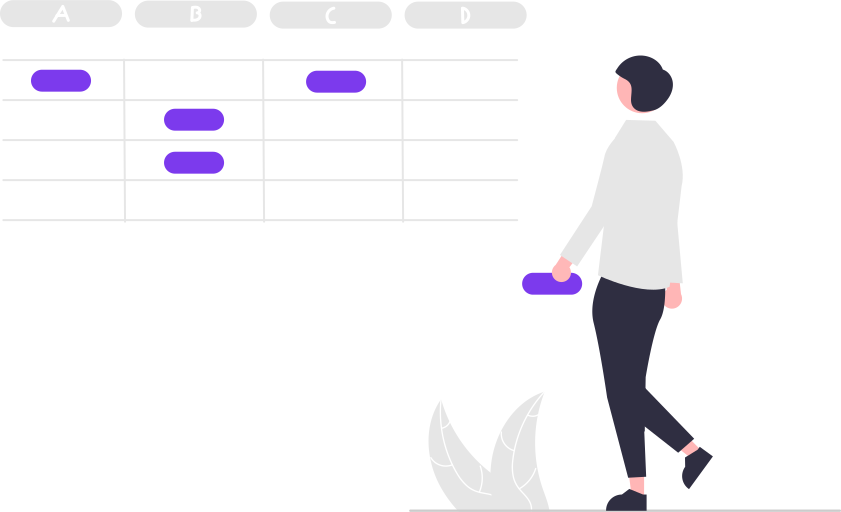
Structured data and spreadsheets
Structured data

A built-in database for every agent

Think of it as unlimited spreadsheets. Your agents collect, organize, and query structured data as they work — no external tools required. Every agent maintains its own persistent data.

Embedded database Structured data Queryable
Deliverables

Real output, not just answers

Your agents generate reports, charts, PDFs, and CSV exports — and can email them directly to you or your team as file attachments. They also receive files you send them.

PDFs & reports Charts CSV exports File attachments
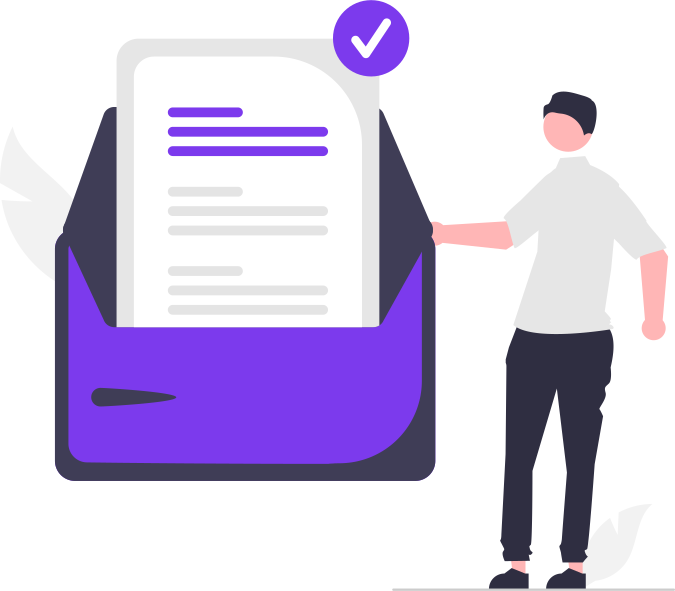
Reports and data deliverables
Connected systems and integrations
Integrations

Plugs into your existing stack

Connect agents to your CRM, ATS, project management tools, and more. They work inside your existing workflows — not beside them.

CRMs ATS Project tools Webhooks
Collaborative workflows

Humans and agents, working together

Build workflows where AI agents handle the heavy lifting and humans stay in the loop for decisions that matter.

AI

Research Agent

Finds prospects

You

Reviews & approves

AI

Enrichment Agent

Adds context & data

AI

Outreach Agent

Drafts & sends

Security & compliance

Secure. Self-hostable. Compliance‑ready.

Deploy on Gobii Cloud or your own infrastructure. Per-agent sandboxing, encrypted secrets, full audit trails, and proxy-only egress. Built for teams with real security and compliance requirements.

Sandboxed Self-hostable Open source Full audit trail
Secure server infrastructure
A team of humans and AI agents Human AI Human AI Human AI Human AI
The vision

The team of the future

Humans and AI agents, working together — each doing what they do best. Gobii is the platform that makes that real.

Open Source (MIT)
Backed by Open Core Ventures
#1 on OpenRouter
Production-grade security
OR

Spawn a Pretrained Worker

Deploy a proven worker in minutes — built for research, ops & intelligence.

Team Ops View details →

Project Manager

Tracks milestones, manages blockers, and keeps teams aligned

🗓️
Cadence
At 10:00, Monday through Friday
🔧
Built-in integrations
Google Sheets Read Rows Google Sheets - Add Row
Research View details →

Real Estate Research Analyst

Finds properties, pulls comps, and tracks market trends

🗓️
Cadence
At 09:00, every day
🔧
Built-in integrations
Perplexity Search Perplexity Search Web
External Intel View details →

Competitor Intelligence Analyst

Monitors rivals, product launches, and pricing moves

🗓️
Cadence
At 13:20, Monday through Friday
Event triggers

Competitor-alert

🔧
Built-in integrations
Bright Data Search Bright Data Web Snapshot Google Sheets - Add Row
Operations View details →

Vendor Price Analyst

Tracks supplier quotes and finds negotiation leverage

🗓️
Cadence
At 15:05, only on Monday and Thursday
Event triggers

New-invoice

🔧
Built-in integrations
Bright Data Web Snapshot Google Sheets - Add Row Google Drive - Create Doc
Risk & Compliance View details →

Public Safety Scout

Monitors crime and incident feeds around your offices

🗓️
Cadence
At 40 minutes past the hour, every hour, every day
Event triggers

High-severity-incident

🔧
Built-in integrations
Bright Data Search Bright Data Web Snapshot
Team Ops View details →

Standup Coordinator

Collects blockers and ships the daily standup recap

🗓️
Cadence
At 09:15, Monday through Friday
Event triggers

Standup-meeting

🔧
Built-in integrations
Slack - Post Message Slack - Channel History Jira - Search Issues
Operations View details →

Incident Comms Scribe

Captures status updates and keeps stakeholders aligned

🗓️
Cadence
Every hour, every day
Event triggers

Pagerduty-trigger

🔧
Built-in integrations
Slack - Post Message Google Docs - Append Text PagerDuty - Fetch Incident

Pipeline Whisperer

Keeps your CRM healthy and nudges reps at the right time

🗓️
Cadence
At 11:50, Monday through Friday
Event triggers

New-meeting-notes

🔧
Built-in integrations
Salesforce - Update Record Google Drive - Create Doc Slack - Post Message

Talent Sourcer

Builds outreach lists and keeps recruiters in sync

🗓️
Cadence
At 14:30, only on Tuesday
Event triggers

New-role-opened

🔧
Built-in integrations
Greenhouse - Create Candidate Google Sheets - Add Row Slack - Post Message

Onboarding Concierge

Welcomes new hires and keeps the checklist moving

🗓️
Cadence
At 16:00, Monday through Friday
Event triggers

New-employee

🔧
Built-in integrations
Slack - Post Message Google Calendar - Create Event Google Sheets - Add Row
Risk & Compliance View details →

Compliance Sentinel

Audits policies and alerts owners when controls drift

🗓️
Cadence
At 12:10, only on Monday
Event triggers

Audit-window-open

🔧
Built-in integrations
Google Drive - Create Doc Bright Data Search

Customer Health Monitor

Surfaces churn risk and expansion signals

🗓️
Cadence
At 10:05, Monday through Friday
Event triggers

Support-ticket-created

🔧
Built-in integrations
Zendesk - Create Comment Slack - Post Message Google Sheets - Add Row